Last Updated: June 3, 2026 | 10:00 AM IST
Downloading an admit card is one of the most important steps before appearing for any examination. Whether you are preparing for a board exam, university semester examination, entrance test, or government recruitment examination, your admit card serves as the official entry pass to the examination hall.
Most examination authorities in India now issue admit cards online through dedicated candidate portals. This guide explains everything students need to know, from downloading the admit card and verifying details to resolving common issues and avoiding last-minute mistakes.
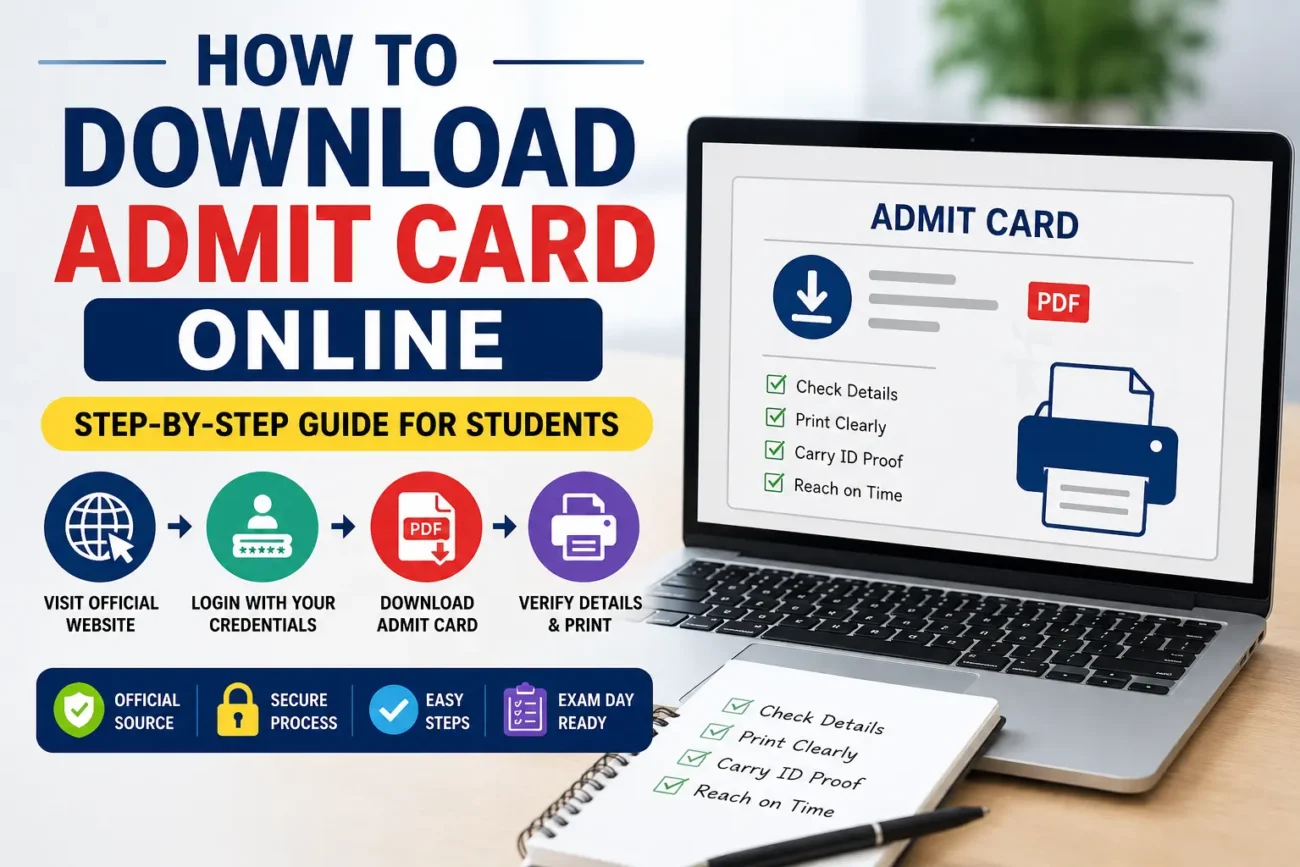
Students can download their admit card online by visiting the official website of the examination authority, logging in using their registration credentials, accessing the admit card section, and downloading the PDF. Candidates should verify all details, print multiple copies, and follow the instructions mentioned on the hall ticket before appearing for the examination.
How to Download Admit Card Online?
To download your admit card online:
- Visit the official website of the examination authority.
- Open the Admit Card or Hall Ticket section.
- Enter your registration number, application number, date of birth, or password.
- Log in to the candidate portal.
- Download the admit card PDF.
- Verify all details carefully.
- Print at least two copies for future use.
Admit Card Download at a Glance
| Particulars | Details |
|---|---|
| Document Type | Admit Card / Hall Ticket |
| Mode of Availability | Online |
| Applicable For | Board, Entrance, Recruitment & University Exams |
| Required Credentials | Registration Number, Application Number, DOB, Password |
| Download Format | |
| Recommended Print Copies | Minimum 2 |
| Correction Facility | Subject to Authority Rules |
| Official Source | Concerned Examination Authority Website |
What Is an Admit Card?
An admit card is an official document issued by an examination authority that permits a candidate to appear for an examination.
It is commonly known as:
- Hall Ticket
- Entry Pass
- Examination Permission Letter
- Candidate Admit Card
The document verifies the candidate’s identity and provides essential information regarding the examination.
Without a valid admit card, candidates are generally not allowed to enter the examination centre.
Latest Update (2026)
Most examination authorities in India now release admit cards exclusively through online portals. Physical admit cards are rarely sent through post.
Candidates are advised to regularly check official websites for updates regarding:
- Admit card release dates
- Examination schedules
- Centre allotment
- Reporting instructions
- Examination guidelines
Major Exams That Issue Online Admit Cards
Several major examinations release admit cards through online candidate portals.
These include:
- CBSE Board Examinations
- State Board Examinations
- JEE Main
- NEET UG
- CUET UG
- SSC CGL
- SSC CHSL
- UPSC Civil Services Examination
- RRB NTPC
- IBPS Banking Exams
- SBI Recruitment Exams
- State PSC Examinations
- University Semester Exams
Although the process is similar, candidates should always follow the instructions provided by their specific examination authority.
Official Exam Portals for Admit Card Download
| Examination | Conducting Authority |
| JEE Main | National Testing Agency (NTA) |
| NEET UG | National Testing Agency (NTA) |
| CUET UG | National Testing Agency (NTA) |
| SSC CGL | Staff Selection Commission |
| SSC CHSL | Staff Selection Commission |
| UPSC CSE | Union Public Service Commission |
| RRB NTPC | Railway Recruitment Board |
| CBSE Board Exams | Central Board of Secondary Education |
| State Board Exams | Respective State Boards |
| University Exams | Respective Universities |
Important Note
Always download your admit card from the official website of the examination authority. Avoid using unofficial portals or third-party websites.
Information Required Before Downloading
Keep the following information ready:
| Required Detail | Purpose |
| Registration Number | Candidate Verification |
| Application Number | Login Access |
| Date of Birth | Authentication |
| Password | Candidate Portal Login |
| Mobile Number | Recovery Option |
| Email Address | Credential Retrieval |
Step-by-Step Guide to Download Admit Card Online
Step 1: Visit the Official Website
Open the official website of the concerned examination authority.
Step 2: Locate the Admit Card Section
Look for options such as:
- Admit Card
- Hall Ticket
- Candidate Login
- Examination Portal
Step 3: Enter Login Credentials
Provide the required details:
- Registration Number
- Application Number
- Password
- Date of Birth
- Captcha
Step 4: Access Candidate Dashboard
After successful login, access your candidate dashboard.
Step 5: Download the Admit Card PDF
Click on “Download Admit Card” and save the PDF to your device.
Step 6: Verify Details
Carefully verify:
- Candidate Name
- Roll Number
- Photograph
- Signature
- Examination Centre
- Exam Date
- Reporting Time
Step 7: Print Multiple Copies
Print at least two copies and save digital backups.
Details Mentioned on the Admit Card
A typical admit card contains:
| Information | Importance |
| Name | Identity Verification |
| Roll Number | Candidate Identification |
| Registration Number | Record Tracking |
| Photograph | Authentication |
| Signature | Verification |
| Exam Date | Schedule |
| Reporting Time | Entry Requirement |
| Exam Centre | Venue Details |
| Instructions | Examination Compliance |
Real Student Scenarios and Solutions
Forgot Registration Number?
Use the “Forgot Registration Number” option available on the official website.
Most authorities allow recovery through:
- Registered Mobile Number
- Email Address
- Date of Birth
Wrong Name on Admit Card?
Immediately contact the examination authority and request correction before the exam date.
Photograph Missing?
Try downloading the admit card again.
If the issue persists, contact the official helpdesk.
Is the Examination Centre Far Away?
Plan travel arrangements early and consider visiting the location beforehand.
Website Not Opening?
Wait for non-peak hours or use a different browser.
Heavy traffic is common immediately after the admit card release.
Common Problems and Troubleshooting
Forgot Password
Use the official password recovery facility.
PDF Not Downloading
Try:
- Updating your browser
- Clearing cache
- Disabling popup blockers
- Using another device
Admit Card Not Available
Possible reasons:
- Incomplete application
- Fee payment issues
- Application rejection
Verify your application status through the candidate portal.
Admit Card Correction Process
If any details are incorrect:
Common Errors
- Wrong Name
- Incorrect Date of Birth
- Missing Photograph
- Incorrect Category
- Wrong Examination Centre
Required Documents
- Application Form
- Registration Receipt
- Identity Proof
- Supporting Documents
Contact the examination authority immediately.
What to Do After Downloading the Admit Card
After downloading:
Verify All Information
Cross-check every detail carefully.
Read Instructions
Understand examination guidelines thoroughly.
Visit the Exam Centre
Locate the venue in advance.
Prepare Documents
Carry:
- Admit Card
- Photo ID
- Passport-size Photographs (if required)
Online vs Offline Admit Card Process
| Feature | Online | Offline |
| Availability | Instant | Delayed |
| Accessibility | 24/7 | Limited |
| Re-download | Available | Difficult |
| Cost | Usually Free | Postal Costs Possible |
| Convenience | High | Moderate |
Latest Trends in Admit Card Distribution
Recent developments include:
- Fully Digital Admit Cards
- Candidate Dashboards
- Email Notifications
- SMS Alerts
- Online Correction Requests
- Instant PDF Downloads
These systems have improved accessibility and convenience for students.
Common Mistakes Students Make
✘ Waiting until the last day.
✘ Downloading from unofficial websites.
✘ Ignoring incorrect details.
✘ Forgetting photo identification.
✘ Not checking reporting time.
Expert Tips and Warnings
Pro Tips
✔ Download the admit card immediately after release.
✔ Save copies in:
- Mobile Phone
- Cloud Storage
✔ Print multiple copies.
✔ Reach the examination centre early.
✔ Read instructions carefully.
Important Warning
Never share:
- Passwords
- OTPs
- Registration Numbers
- Login Credentials
With unknown persons or unofficial websites.
FAQs
Visit the official website, log in using your credentials, and download the PDF.
Yes, generally it is free.
Use the recovery option available on the official portal.
Usually no, unless permitted by the authority.
Generally, yes, if details are clearly visible.
Avoid laminating unless specifically instructed.
At least two copies.
A valid photo ID and any additional documents specified.
Request correction immediately.
Most exams require a printed copy.
Editorial Note
This guide is based on standard admit card download procedures followed by major Indian examination authorities, including NTA, SSC, UPSC, CBSE, state boards, universities, and recruitment agencies.
Candidates should always verify the latest instructions through the official examination website.
Stay updated with the latest admit card releases, exam schedules, answer keys, and result announcements by regularly checking the official examination website and bookmarking trusted education resources.
Disclaimer
This content is for informational purposes only. Users are advised to visit the official website for accurate and up-to-date updates.
